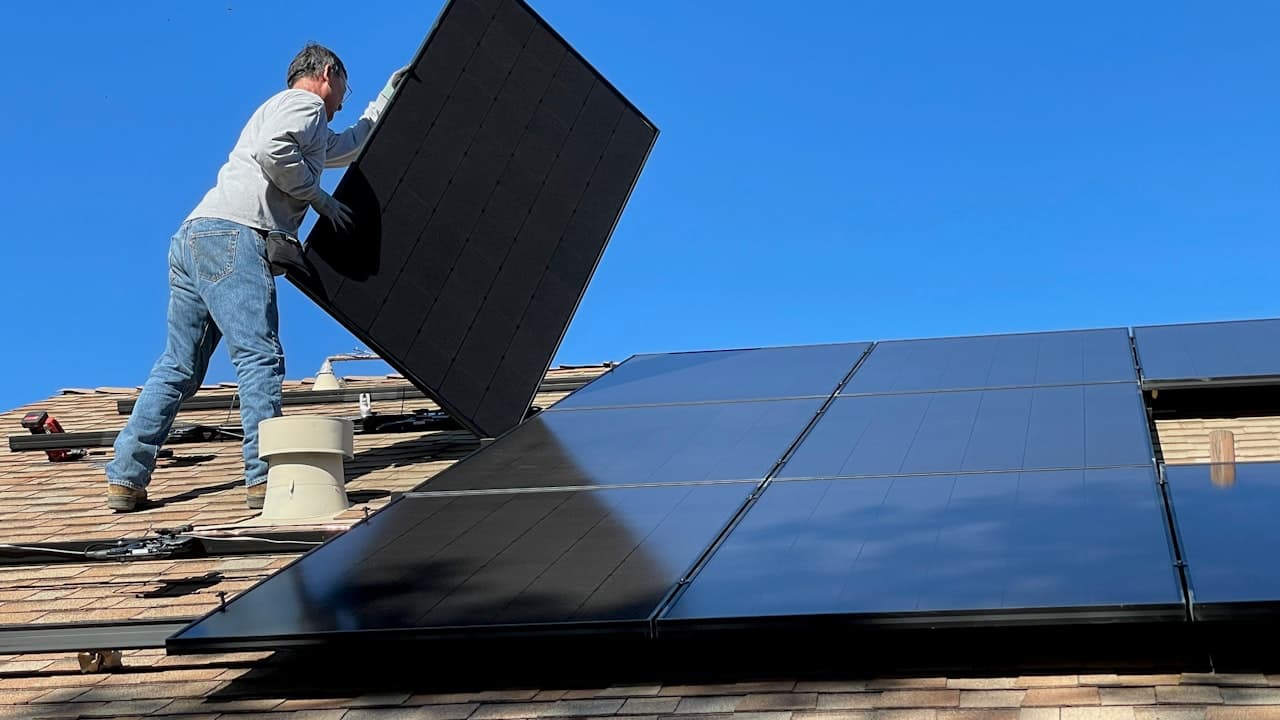
Solar systems are generally reliable, but things do go wrong. When they do, the symptoms can be confusing — a cryptic error code, a battery that dies at midnight, or output that drops for no obvious reason. This guide covers the most common problems Zimbabwe homeowners encounter and how to diagnose each one.
Problem 1: Output Lower Than Expected
Symptom: Your panels are producing less power than they should for the conditions. The forecast says it's a good solar day, but your actual production is well below what you'd expect.
Diagnostic Flowchart
Work through these causes in order — start with the simplest and most common:
-
Are the panels dirty? This is the number one cause of underperformance in Zimbabwe. Check for dust, bird droppings, or red soil film. Clean them and measure again.
-
Is anything shading the panels? Shadows from trees, buildings, water tanks, or satellite dishes can dramatically cut output. Check at different times of day — a shadow that doesn't exist at 10 AM might cover half your array by 2 PM.
-
Are the panels oriented correctly? In Zimbabwe (southern hemisphere), panels should face north. Panels facing east or west produce 15-20% less annually. Use SolMate's orientation tool to check.
-
How old are the panels? Panels degrade at about 0.5-0.7% per year. After 10 years, expect 93-95% of original output. After 20 years, 85-90%. This is normal — but if output has dropped faster than this, something else is wrong.
-
Is the MPPT tracker working correctly? The MPPT (Maximum Power Point Tracker) in your inverter constantly adjusts voltage to extract maximum power from your panels. A faulty MPPT tracker can reduce output by 10-30% without any visible sign. Check your inverter's display for MPPT voltage and current — compare these against what the panels should be producing.
-
Is there a wiring problem? Corroded connectors, loose terminals, or damaged cables reduce the power reaching your inverter. Check all MC4 connectors for signs of browning, melting, or corrosion.
The quickest way to spot underperformance is to compare your actual output against SolMate's forecast for the same day. The forecast assumes clean, unshaded panels — so a persistent gap between forecast and reality points to a physical problem with your installation.
PV Forecast
See today's solar output and the best times to run loads.
Problem 2: Inverter Tripping or Shutting Down
Symptom: Your inverter suddenly switches off, shows an overload warning, or repeatedly restarts. This might happen at specific times of day or when you switch on certain appliances.
Common Causes
Overload — too many appliances at once. This is the most frequent cause. Your inverter has a continuous power rating (e.g., 5 kVA) and a surge rating (e.g., 10 kVA for a few seconds). If your total load exceeds the continuous rating, or the startup surge of a motor-driven appliance exceeds the surge rating, the inverter protects itself by shutting down.
| Scenario | Likely Cause | Fix |
|---|---|---|
| Trips when the borehole pump starts | Motor startup surge exceeds inverter surge rating | Install a VFD, or stagger loads so the pump starts alone |
| Trips in the morning when multiple appliances start | Combined load exceeds continuous rating | Stagger appliance startup times |
| Trips on hot afternoons | Inverter overheating | Improve ventilation, clean dust from vents |
| Trips on cold mornings | DC voltage too high — cold panels produce higher voltage | Check string voltage vs. inverter maximum input voltage |
DC over-voltage on cold mornings. Panels produce their highest voltage when cold. On a clear winter morning, string voltage can exceed the inverter's maximum DC input, triggering a shutdown.
Battery voltage too low. A deeply discharged battery drops below the inverter's minimum DC bus voltage. Common late at night or during extended load shedding.
Overheating. Inverters in poorly ventilated spaces, direct sun, or with dust-blocked fans hit thermal protection limits.
If your inverter trips repeatedly and you can't identify the cause, stop trying to reset it and call a qualified technician. Repeated tripping can indicate a serious fault — arcing, ground faults, or internal component failure — that could be dangerous.
Problem 3: Battery Not Lasting Through the Night
Symptom: Your battery is full at sunset but runs out at midnight, 2 AM, or some point well before sunrise.
Diagnostic Steps
-
Calculate your overnight load. Add up everything that runs at night: fridge (100-150W continuous), Wi-Fi router (10-15W), security lights (20-50W), standby loads (TV, microwave clock, etc. — 10-30W total). Multiply by 10-12 hours. A typical overnight load is 1.5-3 kWh.
-
Check your usable battery capacity. A 5 kWh battery with an 80% depth-of-discharge setting only provides 4 kWh of usable energy. If your overnight load is 3 kWh, that's cutting it close — any extra usage (a kettle, leaving a light on) pushes you over.
-
Is the battery fully charged at sunset? Check your inverter's logs. If the battery only reaches 85% by sunset instead of 100%, you're starting the night with a deficit. This happens on cloudy days or when daytime loads are too heavy for the available solar.
-
Is the battery degraded? Lithium batteries lose capacity over time. A 5 kWh battery that's 3-4 years old might only hold 4.2-4.5 kWh. Lead-acid batteries degrade faster — after 2-3 years, capacity can drop to 60-70% of original.
-
Check the depth-of-discharge setting. Your inverter's DoD setting determines how much of the battery it will use before shutting off. If it's set to 50% (common for lead-acid), you're only using half your battery capacity. Lithium batteries can safely go to 80-90% DoD.
| Battery Type | Recommended DoD | Usable from 5 kWh Battery |
|---|---|---|
| Lithium (LiFePO4) | 80 – 90% | 4.0 – 4.5 kWh |
| Lead-acid (flooded) | 50% | 2.5 kWh |
| Lead-acid (AGM/gel) | 50 – 60% | 2.5 – 3.0 kWh |
If you upgraded from lead-acid to lithium batteries, check that your inverter's DoD setting was updated too. Many technicians forget this step, leaving the inverter at 50% DoD — which means you're only using half your new lithium battery's capacity.
Problem 4: Inverter Error Codes
When your inverter displays an error code, it's trying to tell you something specific. Here are the most common codes across popular inverter brands in Zimbabwe:
| Code / Message | Meaning | What to Do |
|---|---|---|
| Overload / OL | Total load exceeds inverter capacity | Reduce load — switch off heavy appliances and restart |
| Over-temperature / OT | Inverter is overheating | Improve ventilation, clean dust from fans and vents, check ambient temperature |
| Battery Low / LB | Battery voltage below minimum threshold | Reduce load to essentials, charge from grid if available |
| DC Over-voltage / OV | Panel string voltage exceeds inverter maximum | Check string configuration — you may have too many panels in series |
| Ground Fault / GF | Current leaking to earth — potential safety hazard | Stop the system and call a technician immediately |
| Grid Fault / GR | Grid voltage or frequency out of acceptable range | Usually a grid issue — system should recover automatically when grid stabilises |
| MPPT Fault | MPPT tracker not finding optimal operating point | Could indicate panel wiring issue, shading, or internal inverter fault |
| Fan Fault | Cooling fan not operating | Replace the fan — continued operation without cooling risks damage |
| Insulation Fault / ISO | Degraded cable insulation detected | Have a technician test all DC wiring — this can indicate water ingress or cable damage |
Ground Fault and Insulation Fault codes are safety-critical. These indicate that electricity may be leaking to the metal frame or mounting structure. Do not touch any part of the system and call a qualified solar technician. This is not a DIY fix.
Problem 5: One String Producing Less Than Another
Symptom: If your inverter has multiple MPPT inputs, one input shows significantly lower power than the other — even though both strings have the same number and type of panels.
Common Causes
- Partial shading on one string. Even a small shadow on one panel in a string affects the entire string. Check both strings at the time of day when the difference is largest.
- A dirty panel in the string. One heavily soiled panel (e.g., bird droppings) in a string reduces the whole string's output. Clean all panels and compare again.
- A failed bypass diode. Each panel has bypass diodes that allow current to flow around a shaded or faulty cell. If a bypass diode fails, that section of the panel produces zero output, dragging down the string. A technician with a thermal camera can identify this — the failed section will show as a hot spot.
- A faulty MC4 connector. Corroded or poorly crimped MC4 connectors increase resistance, reducing current flow. Look for browning, melting, or heat damage on connectors.
- Mismatched panels. If the two strings use different panel models or panels of different ages, they'll naturally produce different amounts. This isn't a fault — but it's a reason to keep strings matched.
Problem 6: Intermittent Power Cuts
Symptom: Power drops out briefly (seconds to minutes) and then comes back, either randomly or under certain conditions.
This is almost always a connection problem — loose DC connections at junction boxes or the inverter, corroded MC4 connectors (moisture ingress causes corrosion that fails under thermal expansion), or loose AC connections at the distribution board or changeover switch.
How to diagnose: Note when the cuts happen. Wind-correlated cuts point to a loose connection being moved physically. Hot-afternoon cuts suggest a corroded connector expanding under heat. Keep a log of timing, duration, and conditions for your technician.
Problem 7: Loud Fan Noise From Inverter
Symptom: Your inverter's cooling fans are louder than when the system was new, or running constantly instead of intermittently.
- Dust accumulation. Dust on blades and heat sinks reduces cooling efficiency, forcing fans to work harder. Switch off the inverter and clean vents with compressed air or a soft brush.
- Failing fan bearing. A grinding or rattling noise means the bearing is wearing out. Replace the fan before it seizes — an inverter without cooling risks permanent damage.
- Poor ventilation. Ensure at least 200mm clearance on all sides with good airflow above the unit. Enclosed cupboards trap heat and force fans to work overtime.
Problem 8: Battery Swelling or Excessive Heat
Symptom: Your battery enclosure feels unusually hot, a lithium battery pack is visibly swollen, or you notice a chemical smell near the batteries.
This is a safety emergency. A swelling or overheating battery is at risk of thermal runaway — an uncontrollable chemical reaction that can cause fire or explosion. Immediately disconnect the battery (if you can do so safely), move people away, and call a technician. Do not attempt to charge, discharge, or continue using the battery.
Causes
- Overcharging. The inverter's charge controller is sending too much voltage or current to the battery. This can happen if the battery type settings are wrong (e.g., set to lead-acid when using lithium).
- Internal cell failure. A manufacturing defect or degraded cell can cause internal short-circuiting, generating heat.
- Poor ventilation. Batteries in sealed enclosures without ventilation can overheat, especially in the lowveld's extreme summer temperatures.
- Damaged BMS (lithium batteries). The Battery Management System protects individual cells from over-voltage, under-voltage, and over-temperature. A failed BMS removes these protections.
When to Call a Technician
DIY-safe: cleaning panels, checking for shading, resetting an overloaded inverter after reducing the load, cleaning inverter fan vents, adjusting inverter settings (DoD, charge times).
Call a technician: any ground fault or insulation fault error, battery swelling or chemical smell, repeated inverter tripping with no obvious overload, burn marks or melting on connectors or cables, output loss that persists after cleaning, any work involving opening electrical enclosures or handling DC wiring.
Track Problems With SolMate
SolMate's forecast tool helps you spot problems early by showing what your system should produce. A persistent gap between forecast and actual output is your first clue that something needs attention.
PV Forecast
See today's solar output and the best times to run loads.
Use the equipment verification tool to check serial numbers against manufacturer databases — confirming your equipment is genuine and accessing warranty support if needed.
Verify Equipment
Check if your solar equipment is genuine and certified.